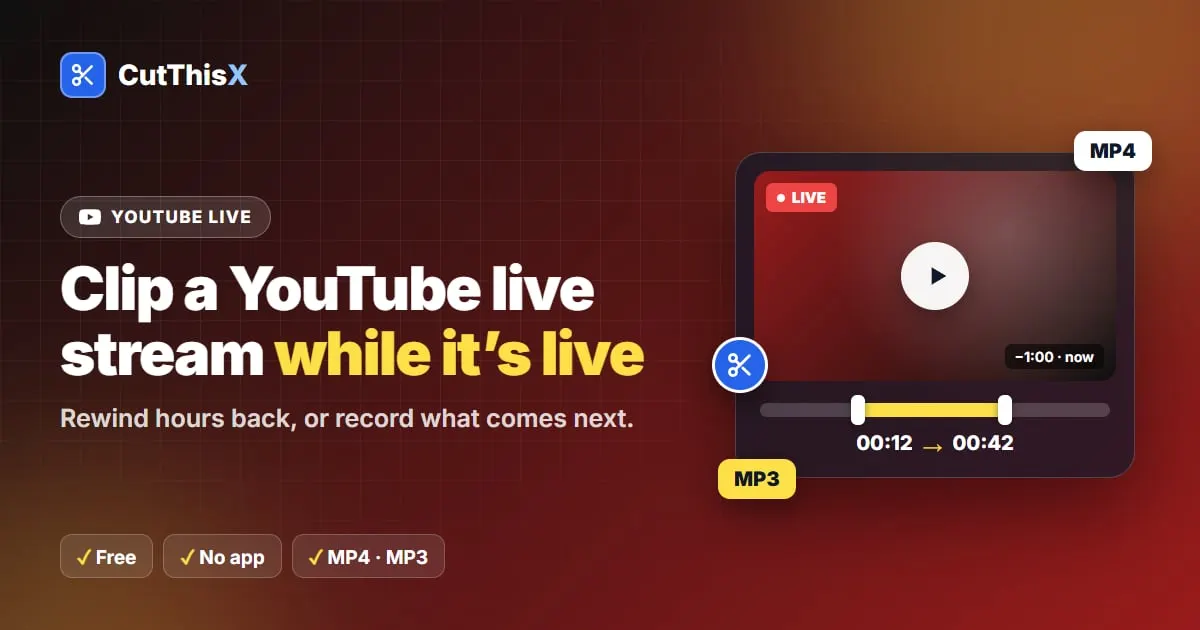
How to clip a live stream
- Paste the link of the live: a YouTube live, an X broadcast, a Facebook live, or a direct HLS (.m3u8) link.
- The live player opens at the current moment, with the available rewind window shown above the timeline.
- Choose your clip:
- Last 30s / 1m / 5m saves what just aired;
- Next 30s / 1m / 5m records what comes next;
- or rewind in the player and press Set Start Here and Set End Here.
- Download as MP4 or MP3. Clips that end in the future finish when that moment has streamed.
How far back can you go?
- YouTube: usually several hours, as long as the stream keeps its rewind.
- X (Twitter): what X keeps available for the broadcast.
- Facebook: Facebook keeps only seconds, so CutThisX records the live from the moment you open it, up to about 30 minutes back.
- M3U8 links: whatever the stream's playlist offers.
Clips with the real time
Live clips are named with the date and time they aired (in UTC), so you can find a moment later.
Good to know
Only public streams work. Please only record streams you own or have permission to use.